Sync cashier sales to bookkeeping
At day's end, the owner often retypes cashier figures into the ledger. We flow the sales balance from the cashier into a spreadsheet or accounting app automatically, with no manual recap.

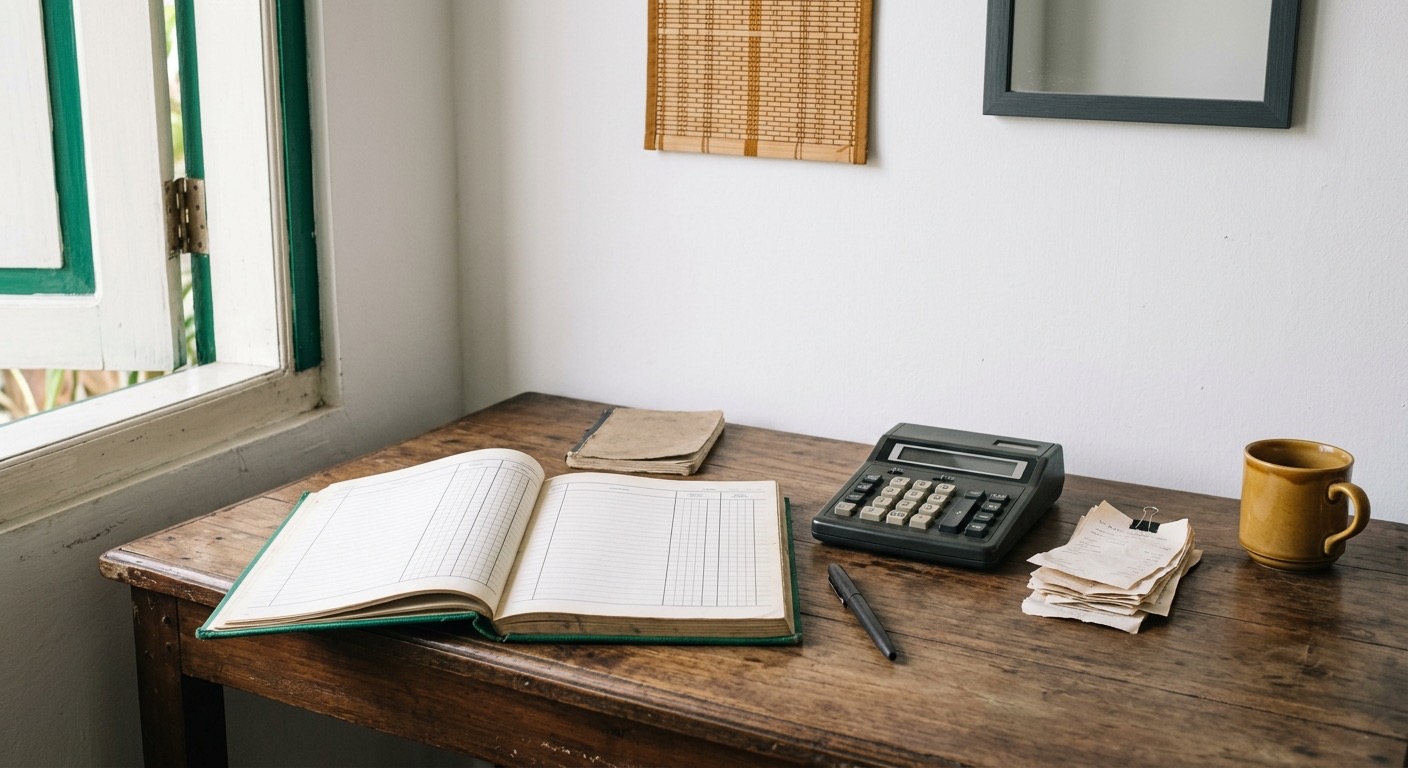
Cashier Sales Must Be Retyped Every Night.
At close, the owner retypes the cashier total into the ledger or calculator. Figures are entered one by one, slowly, and easy to mistype.
When there is a discrepancy, it is hard to tell whether the error is in the cashier or the books. Bookkeeping that should help instead dulls trust in the figures.
We Flow the Cashier Straight into Bookkeeping.
Instead of retyping, cashier sales flow into a spreadsheet or accounting app automatically. The figures in the books always match the figures at the cashier.

Books and Cashier Always Match, No Retyping.
Now the owner opens the books and finds the same figures as the cashier. Time that used to go to retyping is spent understanding cash flow.
Typing errors nearly disappear, and the owner can trust their own report for the first time.
What a Day Looks Like
- 1
Morning, shop opens
The cashier records sales as usual. The owner does not have to think about bookkeeping while serving customers.
- 2
Midday, figures flow
Throughout the day, cashier sales sync to bookkeeping automatically. The figures in the books always follow the cashier.
- 3
Late afternoon, the books are complete
At close, the books are already complete. The owner reviews them instead of retyping.
What changes
What used to be retyped every night is already in the books before I sit down.
- Cashier sales flow into bookkeeping with no manual recap.
- Figures in the books always match the figures at the cashier.
- Retyping errors nearly disappear.
- The owner can trust their own bookkeeping report.
Is your bookkeeping still retyped every night?
Tell us how you move cashier figures into the books. We will help connect it automatically, step by step.