Invoices & service payment records
Many service practitioners write invoices by hand, then record payments in a separate book, so bills get forgotten and payments are hard to track. We set up one place to create an invoice, send it, and record the payment that comes in.
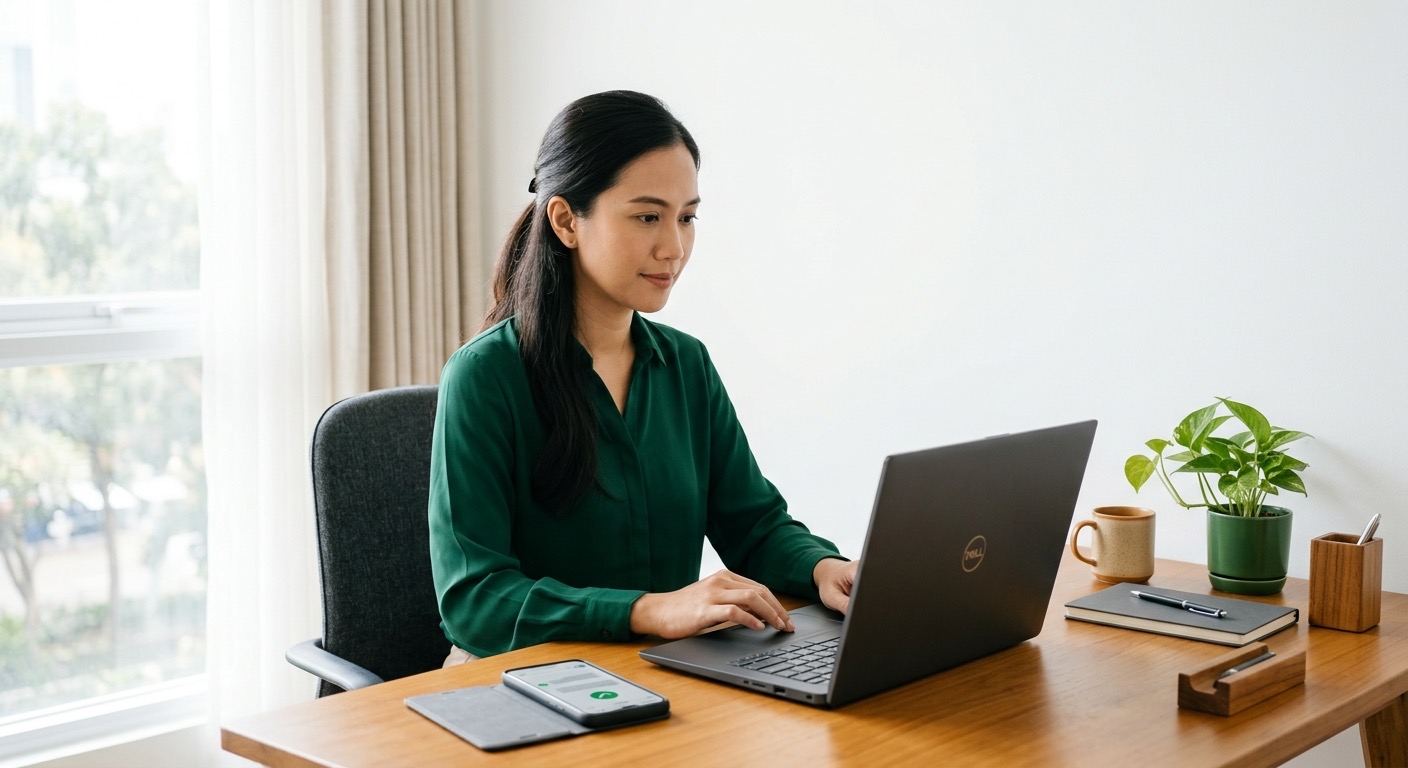

Invoices Are Written by Hand, Payments Recorded Separately.
Many service practitioners write invoices in Word or on paper, then keep payment records in another book or spreadsheet. Every bill has to be remembered and chased by hand, and each payment that comes in is recorded again somewhere else.
Bills go unsent, payments go unrecorded, and the end-of-month report is pieced together with effort. Proof of payment is scattered across chats and books, so it is hard to trace.
We Unify Invoices and Payment Records in One Place.
We set up one place to create an invoice, send it to the client, and record the payment that comes in. One entry, and the invoice goes out with its status recorded, with no re-copying.

One Place to Bill, Send, and Record.
Now invoices are created and sent from one place, and every payment that comes in is recorded against the matching bill. No more forgotten bills or payments lost from the records.
The end-of-month report assembles itself, and proof of payment can be shown anytime. The practitioner knows who has not paid without having to recall it from memory.
What a Day Looks Like
- 1
Morning, a service completes
The practitioner finishes the work, then opens the one place and creates an invoice with the service details and amount.
- 2
Midday, the invoice goes out
The invoice is sent to the client by email or WhatsApp, and its status is automatically marked unpaid.
- 3
Late afternoon, payment recorded
When the client pays, the payment is recorded against the matching invoice, and its status turns paid with no re-copying.
What changes
What used to be written on paper and recorded separately is now billed, sent, and recorded in one place.
- Invoices are created and sent from one place, with no rewriting.
- Each payment that comes in is recorded against the matching bill.
- The practitioner knows who has not paid without relying on memory.
- The end-of-month report assembles itself and proof of payment can be shown.
Are your invoices and payment records still scattered?
Tell us how you bill and record payments today. We will help bring them into one place step by step.